The Context
CoStar Group
CoStar is the leading source of commercial real estate data and analytics. The design challenge was extreme data density: systems that scale across dozens of product areas without losing clarity.


Overview
As part of CoStar's internal product design team, I contributed to Cosmos — the design system powering CoStar's flagship commercial real estate platform used by brokers, investors, and analysts across global markets.
The work spanned shared UI components, visual language, and cross-department adoption as Cosmos grew beyond its origin team into a multi-product system. My contributions touched the web platform, mobile application, navigation architecture, and emerging product surfaces including news and reporting tools.
The Context
CoStar is the leading source of commercial real estate data and analytics. The design challenge was extreme data density: systems that scale across dozens of product areas without losing clarity.
Areas of Contribution
Core component library and visual language for CoStar's enterprise product suite — shared UI patterns, token documentation, and cross-department adoption as Cosmos expanded beyond its origin team.
Redesigned the primary navigation for CoStar's main product as a slide-out pullout panel — improving access to deep hierarchies while preserving screen real estate for core data views.
UI design for the CoStar mobile app — adapting dense commercial real estate data and property search workflows to touch-first interfaces across device sizes and use contexts.
New interfaces for CoStar's news and editorial content — layout systems for article display, news feed components, and a dedicated news application with typographic hierarchies suited to high-frequency financial content.
New ways to surface complex commercial real estate data — comparative property views to market analytics dashboards — making high-density information scannable and actionable for research-driven users.
Supported Cosmos adoption across additional product departments — ensuring design consistency as the system scaled to new contexts, teams, and interaction patterns not covered by the original component set.
Mobile Application
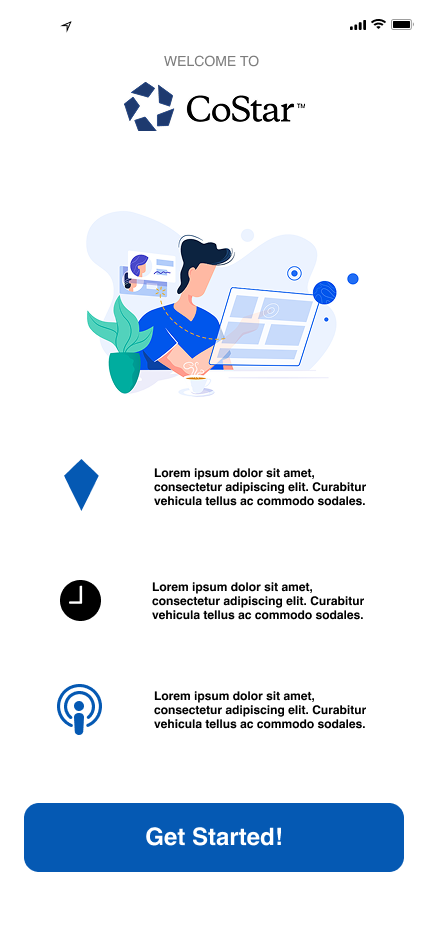
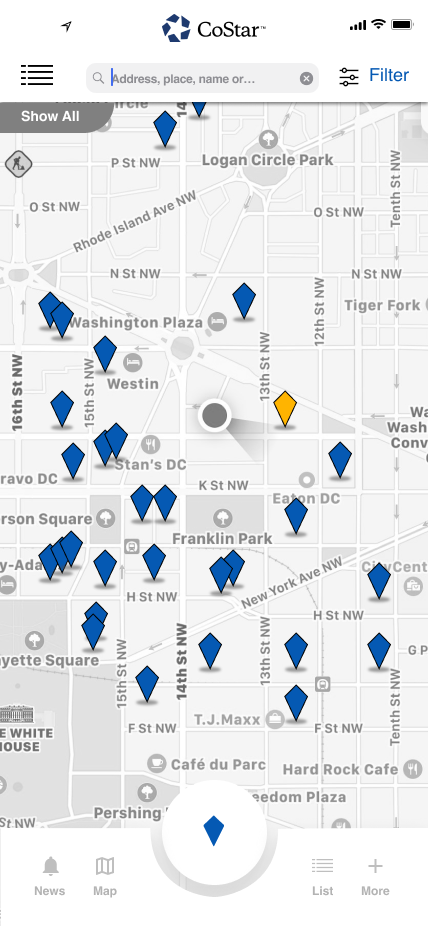
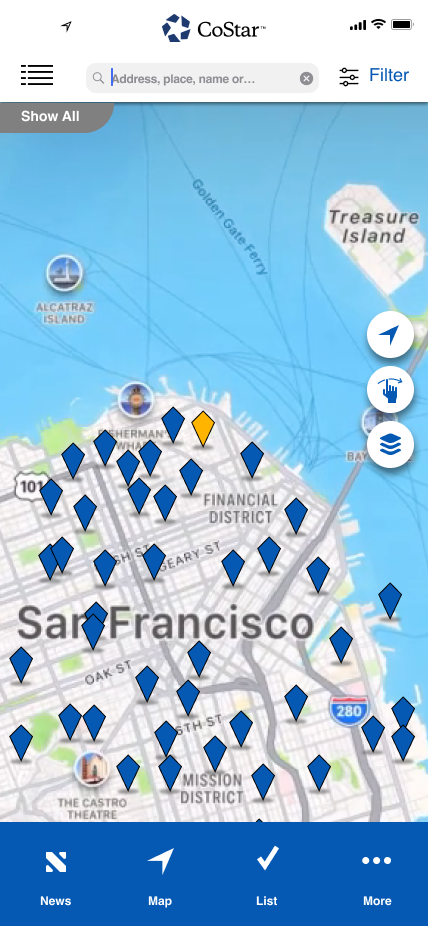
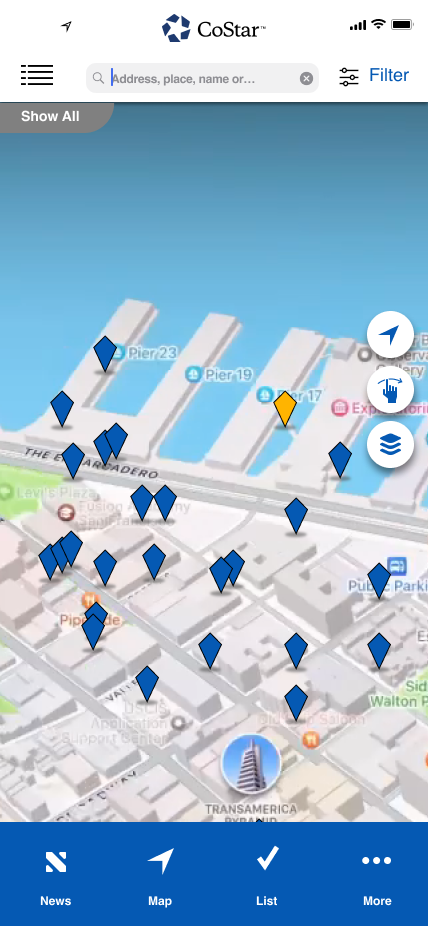
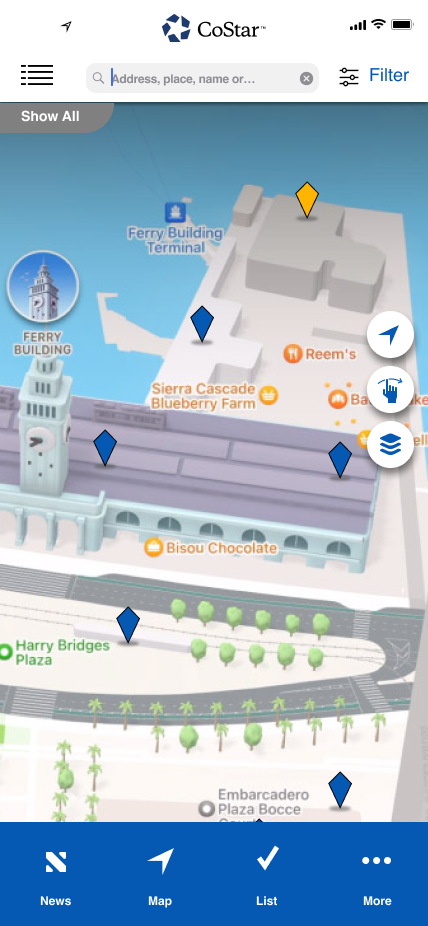
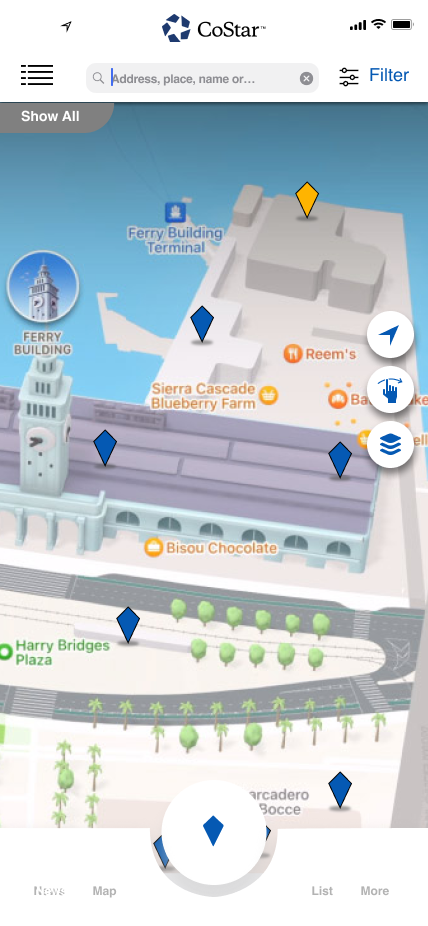
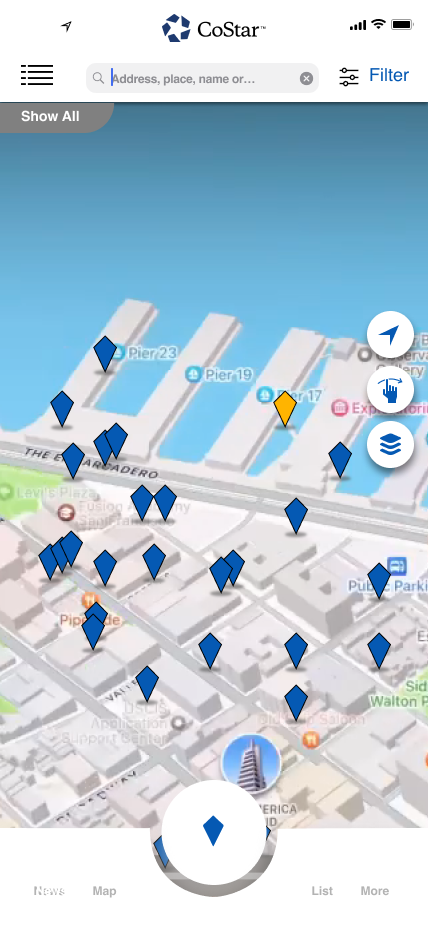
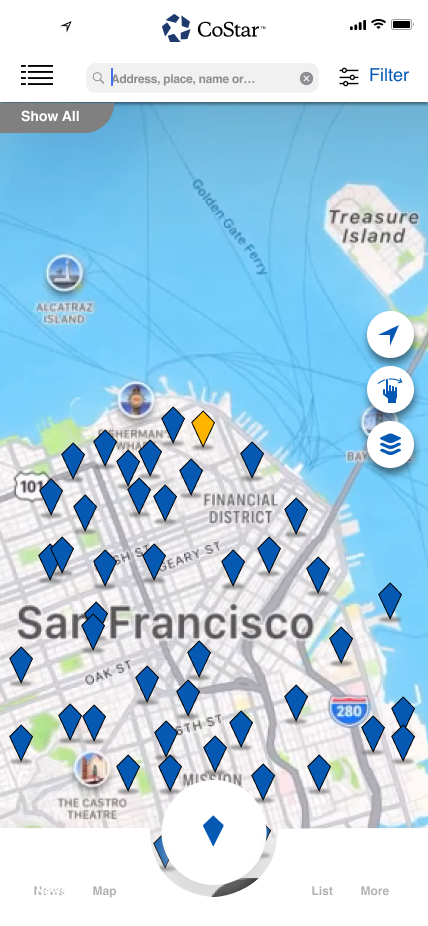
The CoStar mobile app brought the platform's commercial real estate data to iOS — requiring every dense data view and property search workflow to be reimagined for touch. The map interface became the primary navigation surface, with property pins, radial action menus, and 2D/3D toggle views giving field professionals the same power as the desktop platform in a form they could use anywhere.
Action Menu System
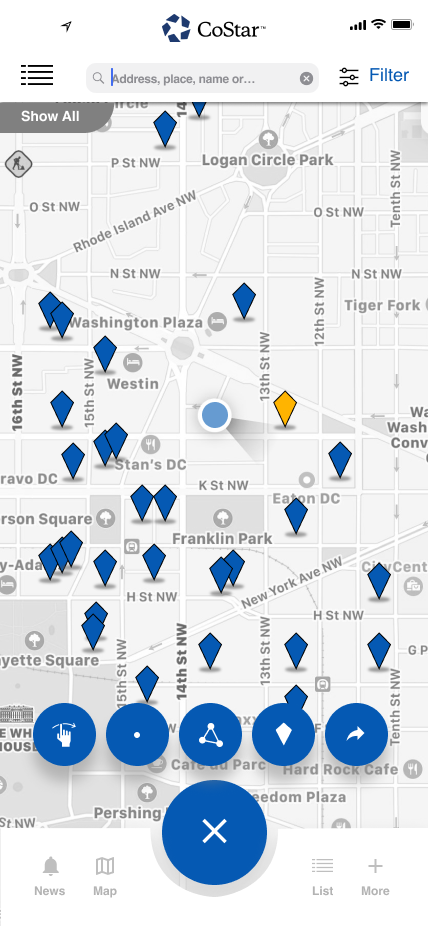
The radial action menu — triggered from the center button — gave users fast access to key map interactions without obscuring the property data beneath. Each action was icon-identified and gesture-accessible, keeping the interface clean in its default state.
Bottom Nav States
The bottom navigation system evolved across design iterations — from icon-only to labeled tabs, and through different interaction states as the app's feature set expanded. Each state was designed to remain unobtrusive while the map was in active use.
Navigation Redesign
CoStar's desktop product contains over a dozen major feature areas — News, Properties, Listings, Comps, Lease Analysis, Tenants, Owners, and more. The original navigation consumed significant screen real estate with a persistent open panel.
The redesigned pullout navigation collapses to a slim icon rail by default, giving data views the full screen width they demand. A single interaction expands the full labeled menu — and deeper sub-navigation like the Properties panel opens inline, keeping users in context.
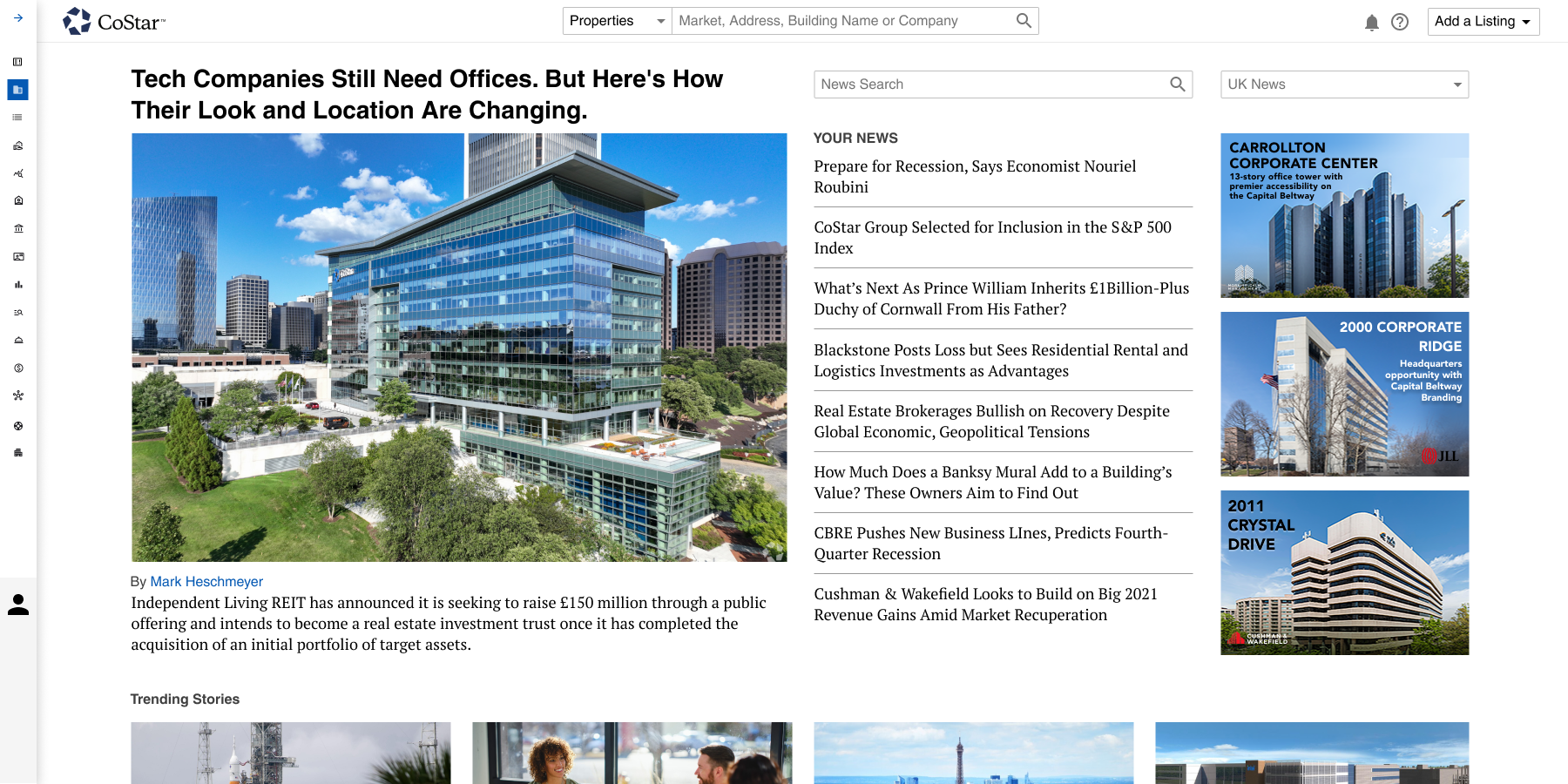
Collapsed state — icon rail only
Three Navigation States
The navigation system was designed around three distinct states — a fully labeled open panel, a sub-navigation expanded view for deep feature areas, and a collapsed icon-only rail. The result gave power users fast access to any corner of the platform without sacrificing map or data canvas space.
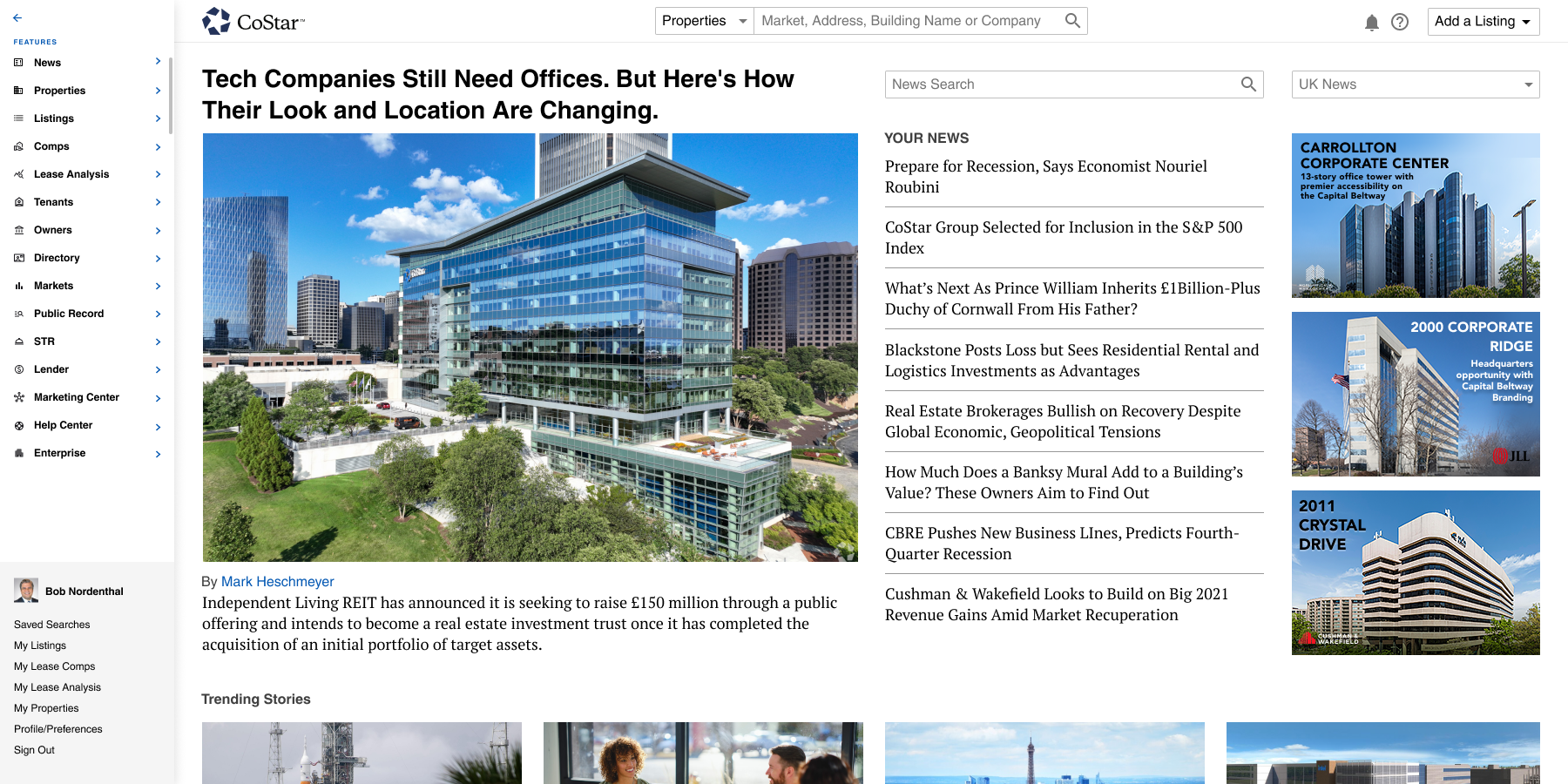
Full nav — labels + icons visible
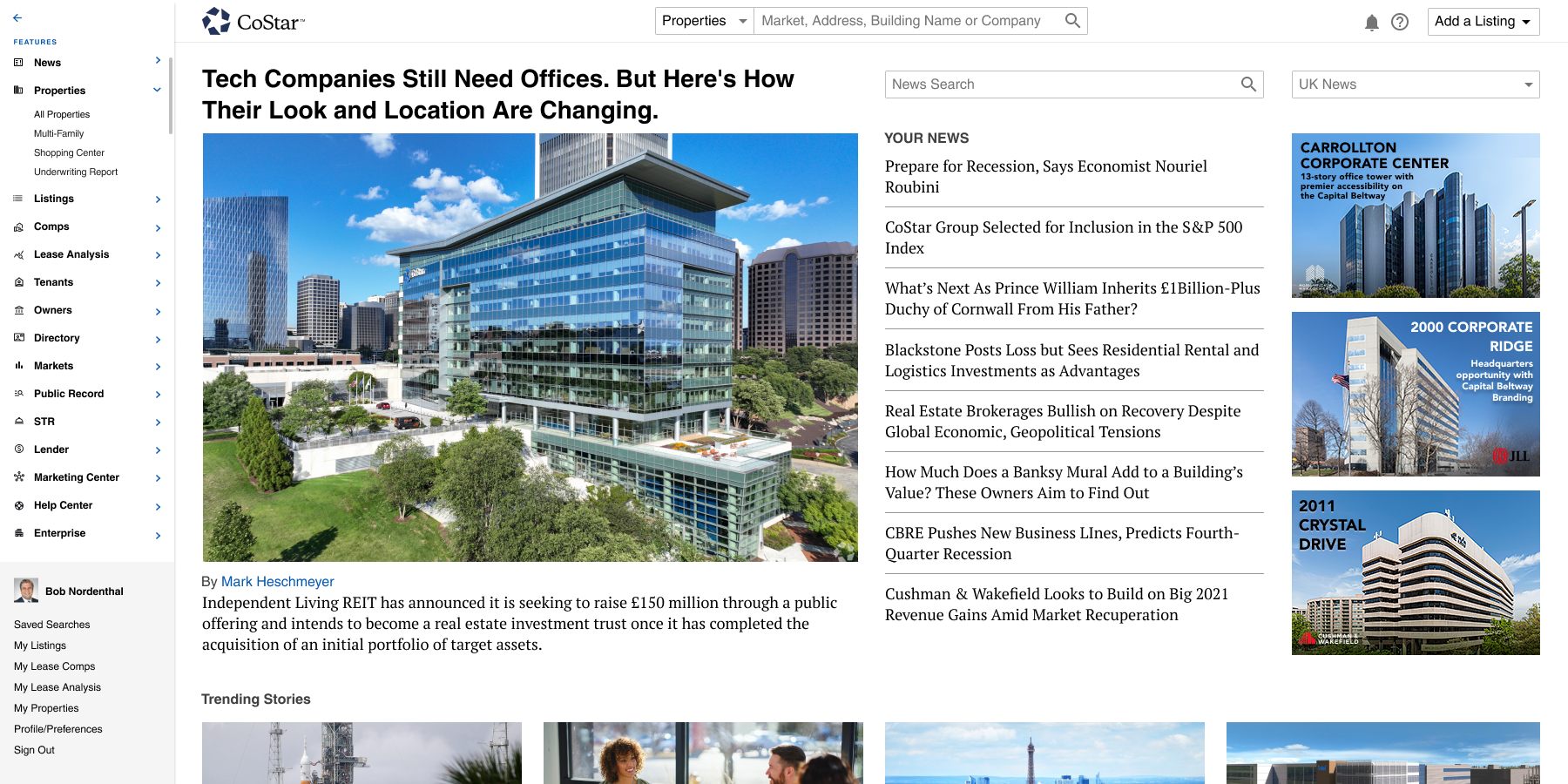
Properties submenu expanded inline
Collapsed icon rail — maximum canvas
New Product Surface
Among the new product surfaces designed during this period was a redesigned Report Builder — giving CoStar users the ability to customize the platform's most widely-used reports and create and save their own templates.
The introduction screen balanced the excitement of a significant new capability with clear wayfinding — making the transition from legacy reports feel like an upgrade, not a disruption. The "Don't ask me again" opt-out gave power users control while the primary CTA pushed new users toward the improved experience.
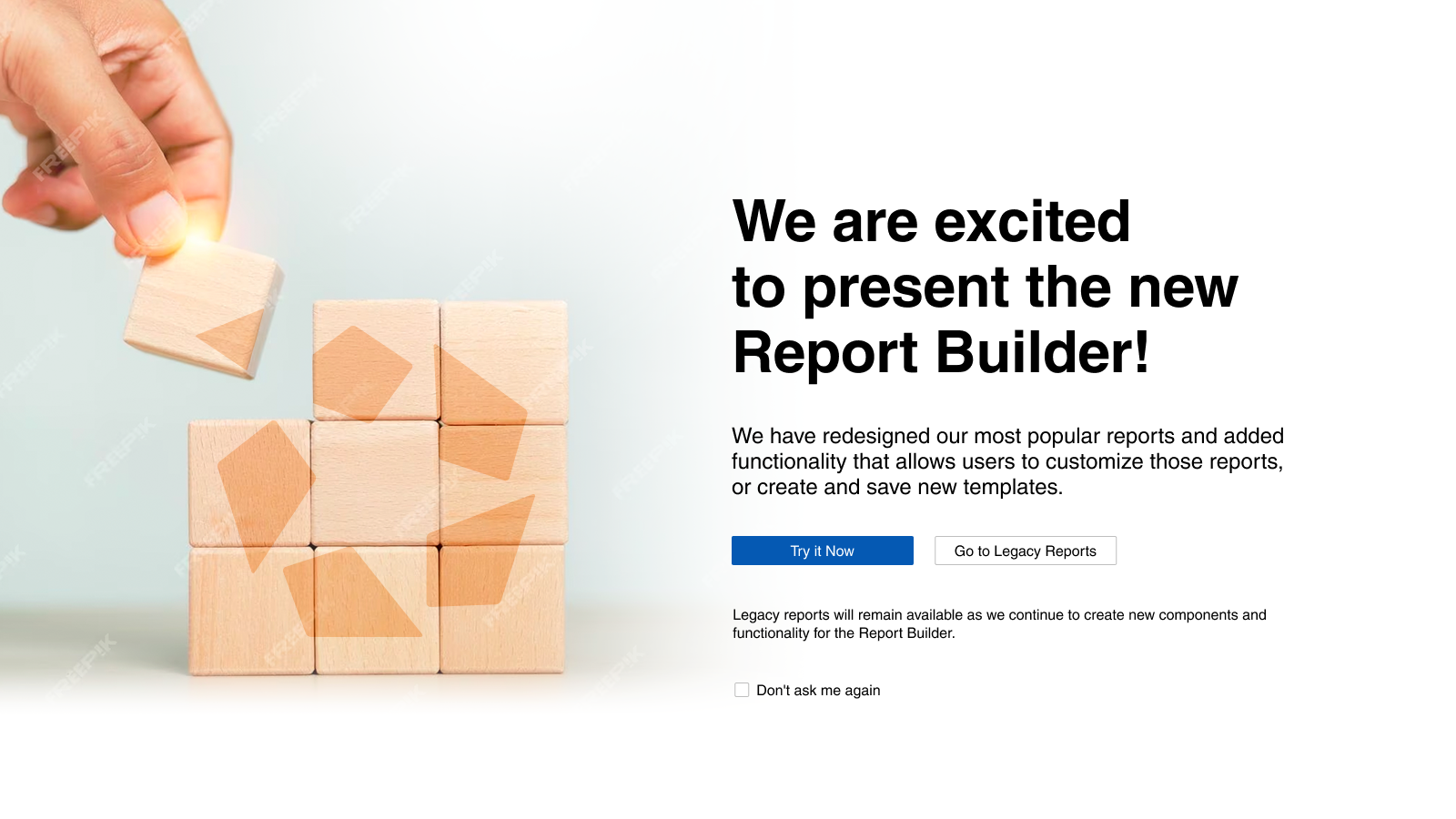
Report Builder — introduction & feature announcement screen

Open to staff roles, agency contracts and freelance projects.